


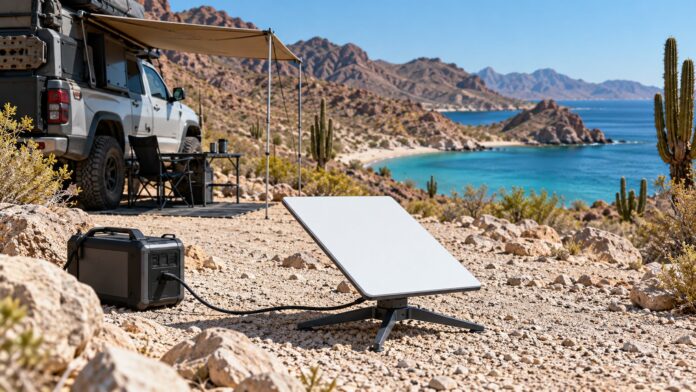
Quick Facts:
- Topic: How to plan a remote camping trip beyond cell coverage.
- Skill level: Beginner to intermediate car campers and overlanders.
- Golden rule: Download your maps and send a written trip plan before you lose signal.
- Emergency comms: A messenger, a PLB or a tested phone with satellite SOS.
- Internet at camp: Optional. Starlink Mini ($149 kit, checked November 6, 2026) suits campers who work or call home from a site with open sky.
- Best for: Truck, SUV and car campers, families and anyone who works from camp.
11 min read
In This Guide
- Why Cell Bars Should Not Pick Your Campsite
- Step 1: Choose the Remote Camping Trip You Want
- Step 2: Find Legal Remote Campsites and Verify Access
- Step 3: Download Your Navigation Before You Lose Signal
- Step 4: Satellite Messenger vs. Starlink Mini
- Step 5: Pack Water, Food, Power and Recovery Gear
- Step 6: Leave a Trip Plan and Set Check-In Rules
- Step 7: Build a Low-Impact Remote Basecamp
- Step 8: Remote Camping Trip Checklist
- Final Thoughts
- Frequently Asked Questions
Disclosure: If you order Starlink through our referral link and meet Starlink’s eligibility rules, you receive a $100 reward. 4wdTalk receives the same $100 reward. As an Amazon Associate, 4wdTalk also earns from qualifying purchases.
Why Cell Bars Should Not Pick Your Campsite
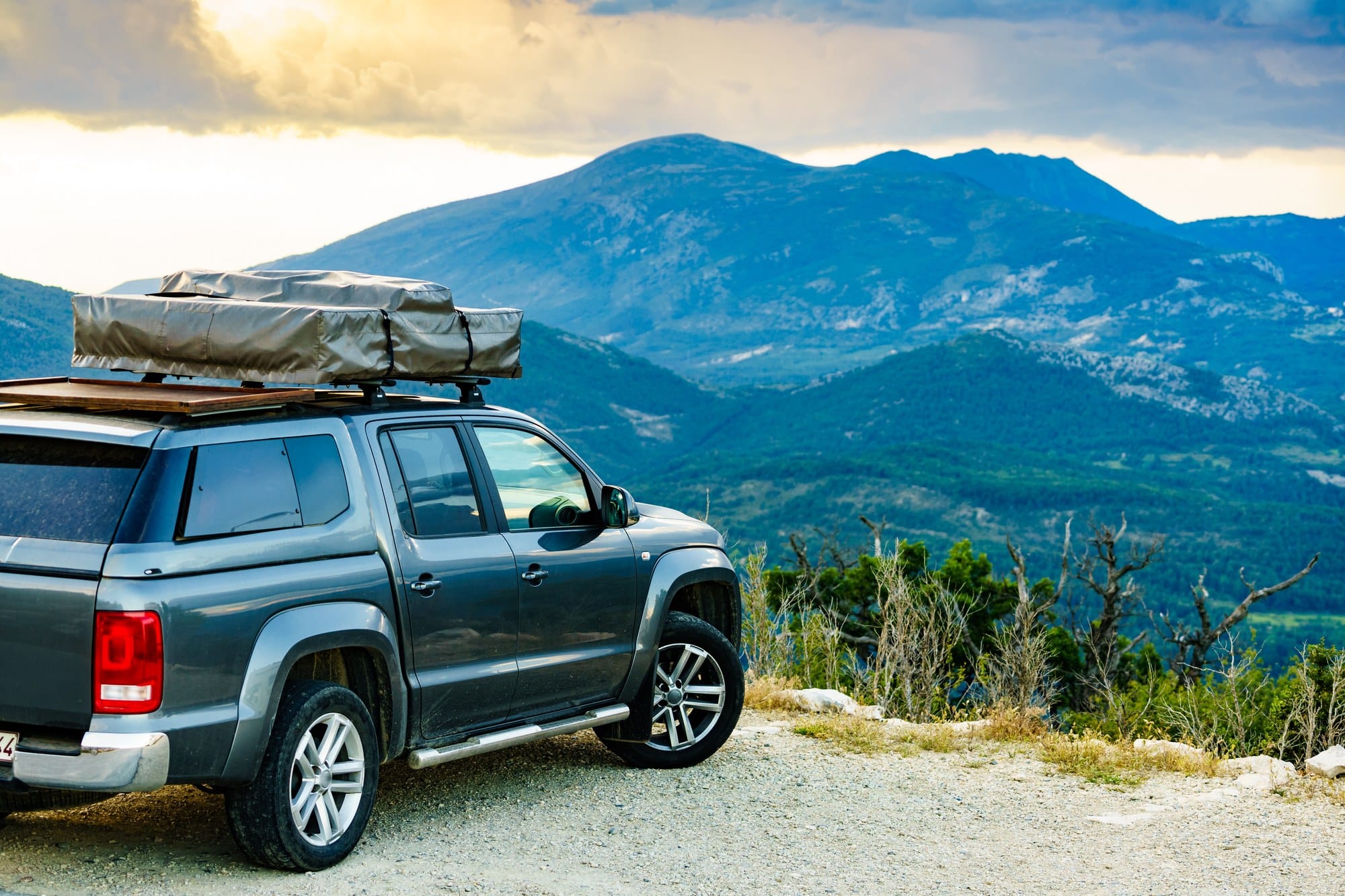
You find a promising campsite on the map: a flat bench above a creek, miles from the next rig. Then you check the coverage map and see zero bars. So you settle for a busy spot ten minutes from town, because someone at home expects a text, or Monday’s video call needs a connection. This guide shows you how to plan a remote camping trip without letting cell bars make the choice.
Every remote camping trip plan starts with three separate questions. First, are you willing to go fully offline? Second, how will you call for help if something goes wrong? Third, does anyone need internet at camp for work, school or family calls? Downloaded maps, an emergency device and Starlink Mini each answer one question, and none answers all three.
I’ve used Starlink for the better part of five years, starting on the original larger dish. Still, I treat it as an upgrade to a well-planned trip, never a replacement for one. Trees, terrain, power, coverage and your service plan all decide whether it works at a given camp.
Step 1: Choose the Remote Camping Trip You Want
Start with the experience, not the signal. Decide on trip length, how rough a drive your vehicle and skills handle, how much solitude you want and what your family needs. Then ask whether anyone truly needs internet.
A disconnected weekend needs the least planning. For example, two nights on a forest road an hour past the last bar requires downloaded maps, a trip plan and an emergency device. A weeklong basecamp needs more, because water, power and trash add up. Meanwhile, a working trip adds a dependable connection during work hours, which no coverage map promises at a remote site.
Pick the trip type first, then plan backward from it. As a result, you pack for the remote camping trip you chose instead of the campsite your phone allowed.
Step 2: Find Legal Remote Campsites and Verify Access
Public land is not one set of rules. National forests, BLM land, state trust land and private parcels often sit side by side. Before a remote camping trip, confirm who owns the land and which agency manages it. Then check the ranger district or BLM field office website for closures, gates and stay limits.
On national forests, the Motor Vehicle Use Map (MVUM) shows which roads are open to vehicles. It also marks where you are allowed to drive off the road for dispersed camping. Our guide on how to read an MVUM walks through the symbols. On BLM land, dispersed camping generally allows 14 days within a 28-day period. However, local orders vary, and some areas ban dispersed camping entirely. Read our dispersed camping rules and stay limits before you assume a spot is open.
Next, check seasonal closures and fire restrictions for your exact dates. Many forests gate roads in winter and spring, and fire restrictions often change during summer.
Finally, pick a backup site and a turnaround time. If the road gets too rough or your first choice is taken, you already know where to go. A turnaround time, such as 3 p.m., keeps you from searching for a site in the dark.
Paper backups cover dead phones and missing signal. Pack a state atlas, a Trails Illustrated map and a baseplate compass.
Public land navigation backups


Step 3: Download Your Navigation Before You Lose Signal
On a remote camping trip, downloaded maps become your main navigation. So download them at home on Wi-Fi, not at the last gas station. Next, switch your phone to airplane mode and confirm the route, the campsite pin and the surrounding roads still load. Apps set different limits; for instance, onX caps the size of each downloaded area, so a large region takes several downloads. Compare options in our roundup of off-road GPS apps with offline maps.
Save the route, not only the destination. Also mark fuel stops, the last reliable water source and the last grocery store. Finally, check your fuel range, because a loaded truck on rough grades burns fuel faster than its highway rating.
Carry a backup, too. A paper road atlas for the state, or a printed MVUM for your district, still works when your phone overheats, dies or breaks. Internet at camp is no excuse to skip this step, since you drive in long before any dish goes up.
Step 4: Satellite Messenger vs. Starlink Mini
Maps, emergency devices and satellite internet solve different problems. Use the table below to match each tool to its job.
| Tool | What It Does | What It Does Not Do |
|---|---|---|
| Offline maps | Show your route and GPS position. | Contact anyone. |
| Messenger or PLB | Sends an SOS; messengers also send two-way texts. | Provide internet. |
| Phone satellite features | Emergency SOS or texting on supported phones and plans. | Work on every phone, carrier or location. |
| Cell booster | Strengthens a weak signal already present. | Create signal at zero bars. |
| Starlink Mini | Full internet for work, calls and streaming. | Replace a dedicated SOS device or work without open sky. |
With an active plan, a satellite messenger such as a Garmin inReach sends an SOS to a 24/7 response center. It also handles two-way texts. By contrast, a personal locator beacon (PLB) sends a one-way distress signal and needs no subscription. Many newer phones also offer satellite SOS or texting. Still, support varies by phone and carrier, so test yours before the trip. Our guide to staying connected without cell service compares these devices in depth.
A cell booster belongs in a different category. It amplifies a weak signal already reaching your vehicle. At zero usable signal, however, it has nothing to amplify.
Safety note: Starlink Mini has no SOS button and does not alert emergency services on its own. Make a dedicated emergency device your safety plan, and treat internet at camp as a bonus.
Where Starlink Mini Fits a Remote Basecamp
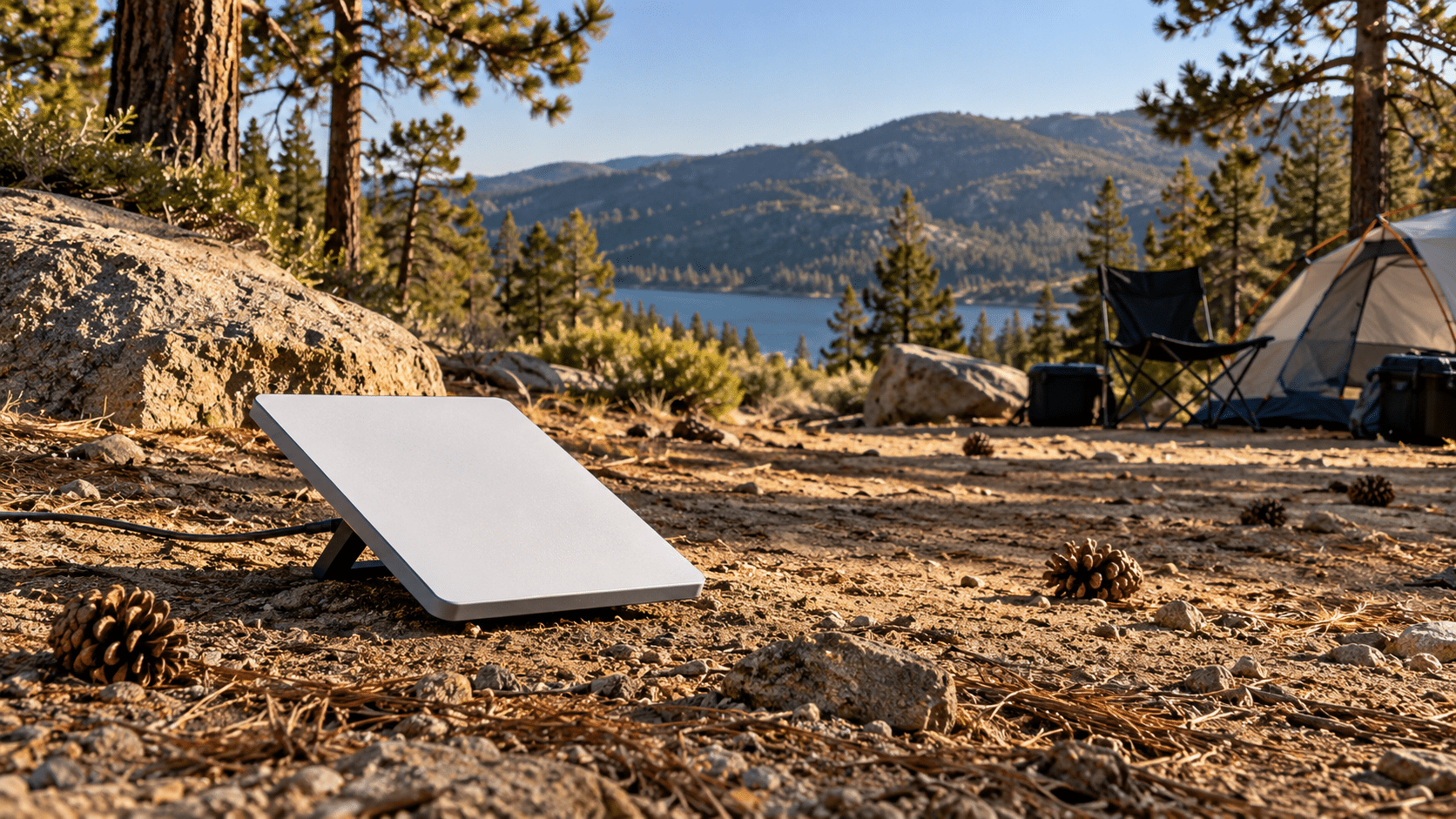
If internet access is what keeps you camping close to town, Starlink Mini is worth considering for your remote basecamp. It suits people who work from camp, families who want a dependable video call home, and long basecamp stays. We dug deep into Reddit and the owner forums, and the top praise repeats everywhere. With open sky, it works at camps where phones and boosters show nothing.
For me, the same strength is the whole point. My Mini comes along on camping trips, overlanding runs and road trips, and it has covered my home internet outages many times. Before buying, check the current service options, coverage and power requirements against the way you travel. The dish needs a clear view of the sky, and dense trees or canyon walls cause dropouts. Also, Starlink supports in-motion use on Roam plans in select areas only.
What Starlink Mini Costs Right Now
As of November 6, 2026, Starlink sells the first-generation Mini kit for $149 on its US site, down from what Starlink calls a typical $249. It is the lowest outright US Mini price since the $599 launch in June 2024. Service costs extra: Roam 100GB starts at $55 a month, Roam 300GB at $80 and Roam Unlimited at $175. Starlink also offers a 30-day full refund.
Our referral link adds a delayed reward on top. New customers who order on starlink.com through our link get a $100 reward, as service credit or, where offered, cash. Starlink issues it two months after activation at the earliest, on an eligible Residential or Roam plan. As a result, the Mini hardware nets out near $49, before taxes, shipping and monthly service. For context, I bought my Mini refurbished as soon as it came out, for about $349 if I recall correctly. Today I pay $55 a month for my plan, and I consider it an absolute deal.
Your Remote Basecamp Comes With a $100 Reward
Order through our referral link, activate your Starlink, and stay subscribed to an eligible plan for two months to qualify for your $100 reward.
Get Your $100 Starlink Reward →Our video below covers pricing, service costs and battery options. It also weighs buying now against waiting for a Mini 2.
Who Should Skip Starlink Mini
Skip it if you enjoy going offline and nobody at home needs more than a nightly check-in. Likewise, skip it if you only want emergency messaging, since a messenger or PLB costs less to run and does the job better. Campers who lack 25 to 40 spare watts should sort out power first. Finally, heavy canopy or work needing guaranteed uptime calls for caution. Test the dish within the 30-day refund window first.
Step 5: Pack Water, Food, Power and Recovery Gear
Water and Food With an Extra Night in Reserve
For a remote camping trip, plan water by the person and the day. Ready.gov recommends at least one gallon per person per day for drinking and sanitation, and hot weather pushes the number higher. Beyond the daily amount, add a full extra day as a reserve.
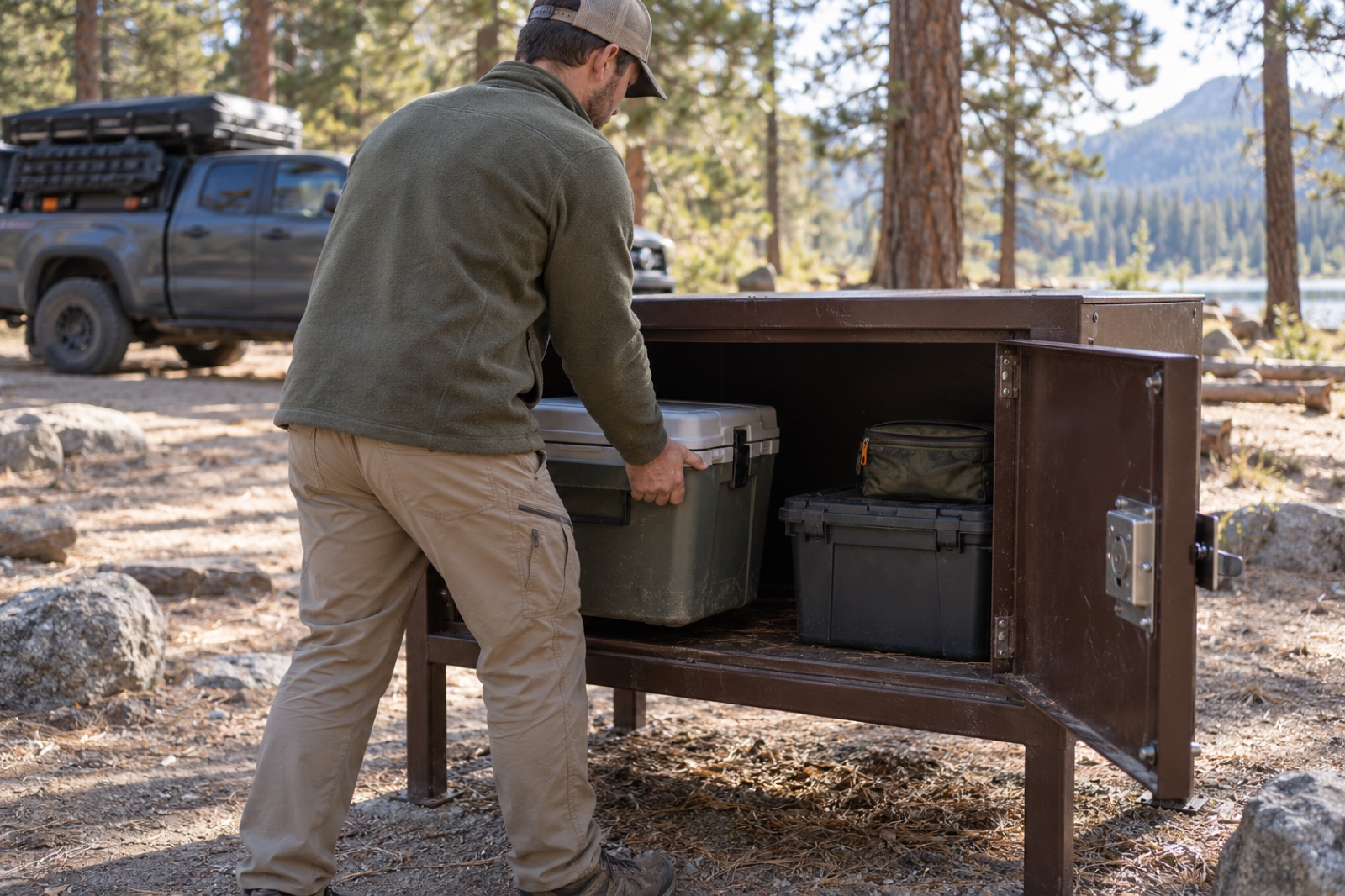
Pack food for the same extra night. In bear country, store food, trash and toiletries in a locked hard-sided vehicle, a bear canister or a food locker where rules require one. Some areas require approved containers, so check the local food storage order.
Build a Power Budget Before You Pack
List every device, its draw and its hours of use, then compare the total with your battery capacity. If you bring a Mini, put it on the list too. Starlink rates it at 25 to 40 watts on average. In practice, owners report about 2.5 to 3.5 hours from a 100Wh power bank. One owner reports around 12 to 18 hours from a 512Wh power station. So run the dish on a schedule, such as work hours and an evening call. For full numbers, see our Starlink Mini power draw breakdown. If the budget works for your rig, our Starlink referral link carries the $100 reward described above.
Recovery Gear Matched to Remote Roads
Getting stuck costs more when help sits hours away. Carry recovery gear matched to your vehicle and your skills. For most rigs, the list starts with a tire plug kit, a compressor, traction boards, a rated strap and a shovel. Above all, check your full-size spare before you leave pavement.
Power and repairs keep a basecamp running. Pair a 500Wh power station with a USB-C car charger and a tire plug kit.
Power and repair gear for remote roads


Step 6: Leave a Trip Plan and Set Check-In Rules
Before you leave signal, send a written trip plan to one trusted contact. Include your route and the coordinates of your primary and backup sites. Also add your vehicle description and plate, everyone in the group and your return time.
Next, set the check-in rules. For example: “I will check in by satellite text each evening. If you hear nothing by noon the day after my return time, call the county sheriff and read them this plan.” Agree on what a missed check-in means. Devices fail, batteries die and weather blocks signals. A missed nightly message calls for patience, while a missed return time triggers the call. No device guarantees a message gets through, so the written plan matters more than any gadget on your remote camping trip.
Step 7: Build a Low-Impact Remote Basecamp
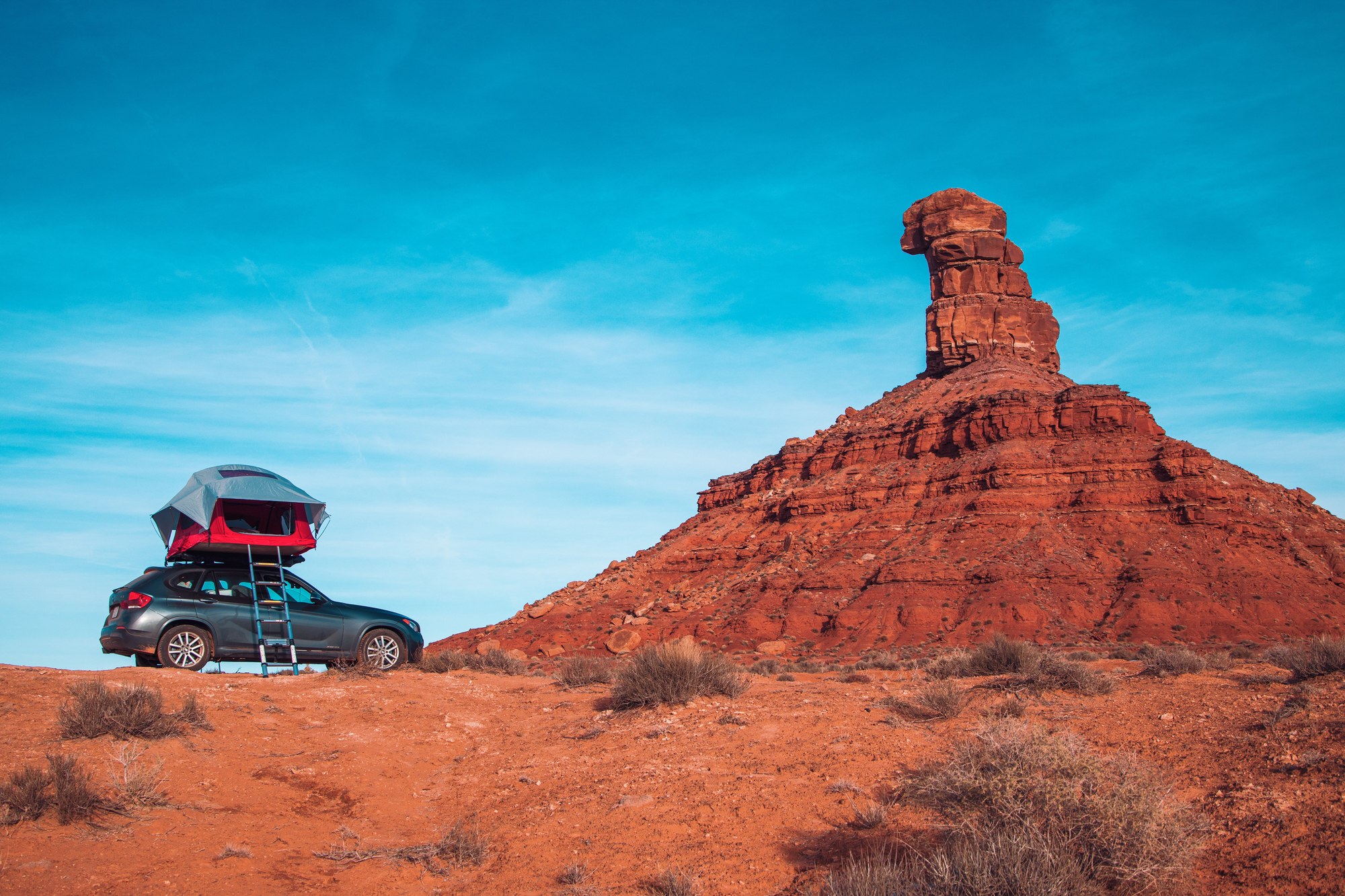
On any remote camping trip, arrive with daylight to spare. Look for level ground, wind shelter and afternoon shade, and avoid dry washes and dead branches overhead.
Use existing, durable sites instead of creating new ones. In addition, camp at least 200 feet from lakes and streams, per Leave No Trace guidance. Set the kitchen downwind of the tents.
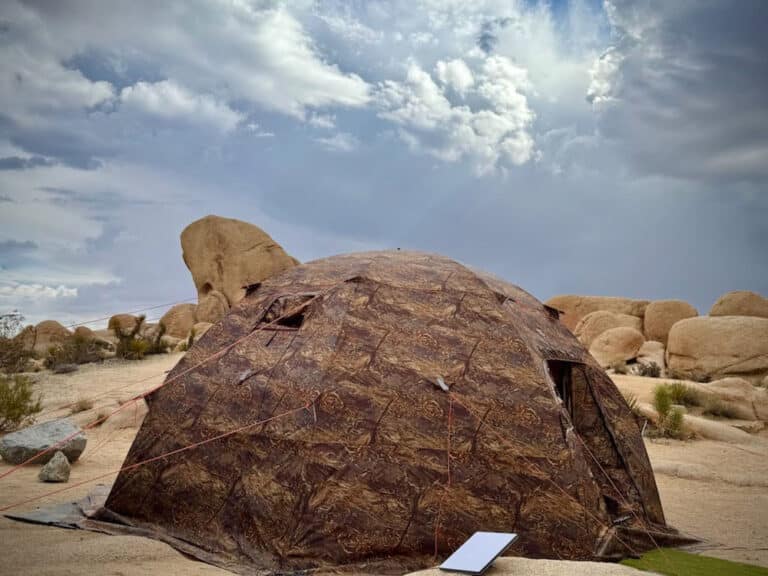
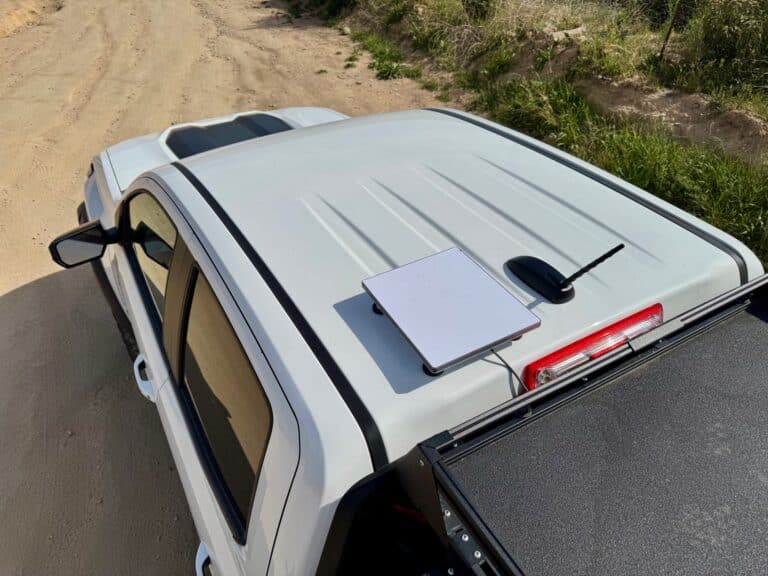
The best spot for the tent and the best spot for the dish are often different. While the tent wants trees for shade and wind protection, the dish wants open sky. Run the obstruction check in the Starlink app, then place the dish in the clearest patch, even if camp stays under the trees. For placement tactics, read how to keep Starlink connected under trees. Also, owners report heat shutdowns in direct summer sun, so give the dish airflow.
Step 8: Remote Camping Trip Checklist
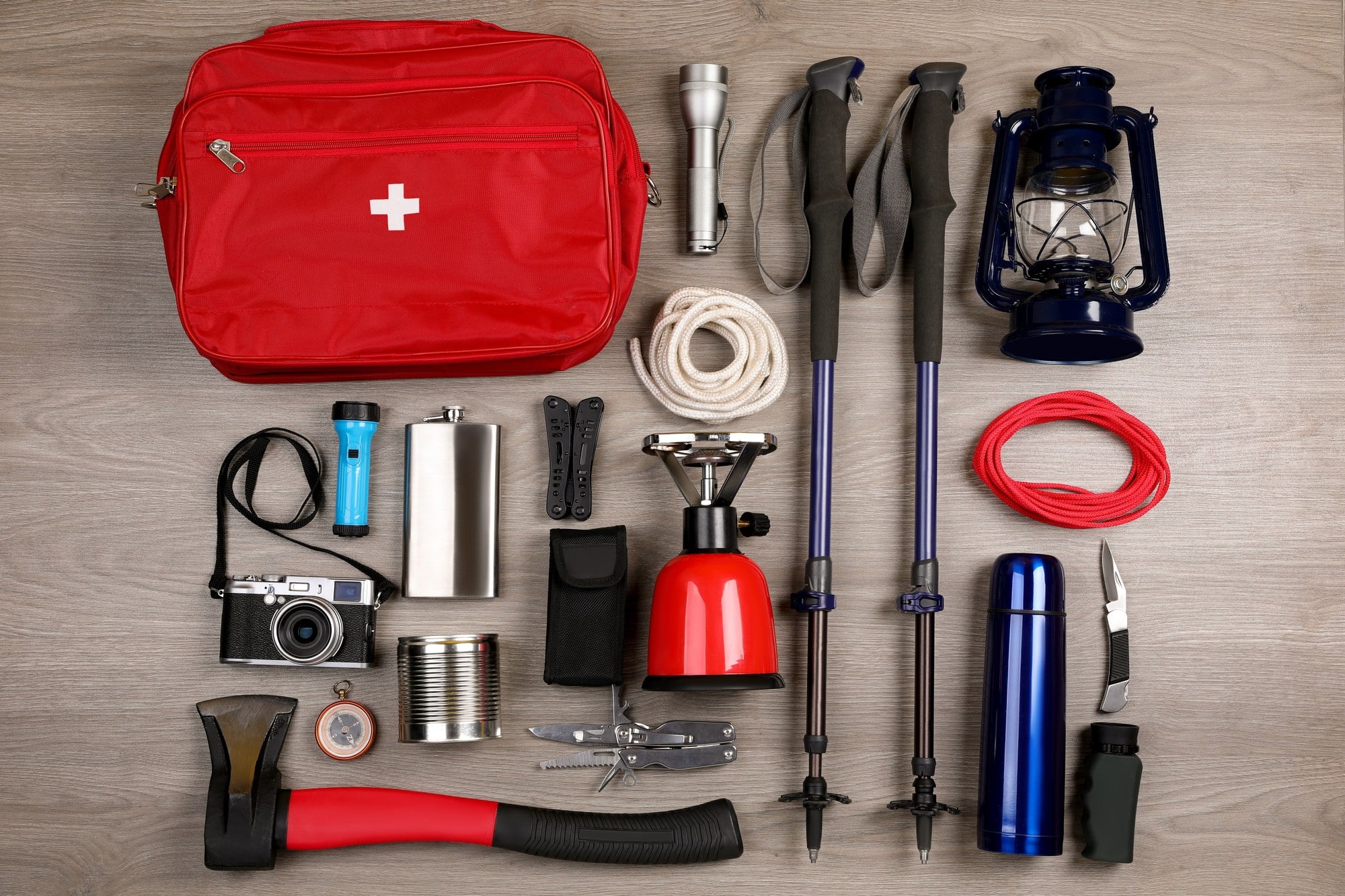
Run through this remote camping trip checklist the night before you leave. Cover every essential first, then add upgrades.
Remote Trip Essentials
- Land manager, stay limits, closures and fire rules checked for your dates.
- Primary campsite, backup site and turnaround time chosen.
- Maps downloaded and tested in airplane mode, plus a paper atlas or printed MVUM.
- Messenger, PLB or a phone with tested satellite SOS.
- Written trip plan sent, with check-in rules and a return time.
- One gallon of water per person per day, plus an extra day.
- Food for an extra night and wildlife-proof storage.
- Full fuel tank, a checked spare and recovery gear matched to your vehicle.
Optional Connectivity and Power Upgrades
- Starlink Mini on a Roam plan, for work and video calls from camp.
- Power station or vehicle 12V system sized to your power budget.
- Pole mount or longer cable to place the dish in open sky.
Finish the essentials list first. If internet at camp still matters, Starlink Mini is the upgrade to weigh. The $149 kit is the lowest outright price Starlink has listed in the US. After two paid months on an eligible plan, the $100 referral reward brings the net hardware cost near $49. Check current plans, coverage, sky view and power needs against how you travel before you order.
Before You Order Starlink, Get Your $100 Reward
Order through our referral link, activate your Starlink, and stay subscribed to an eligible plan for two months to qualify for your $100 reward.
Get Your $100 Starlink Reward →Final Thoughts
The best remote camping trip starts with the camp you want, not the one with bars. Choose the experience, confirm the land is legal and open, and download your maps. Before you go, leave a plan with someone who knows what to do if you go quiet. Those steps cost almost nothing, and they keep you safer with or without a laptop at camp.
Connectivity is a separate decision. If you only need a way to call for help, a messenger or PLB fits best. On the other hand, if work, school or family keeps pulling you back toward town, Starlink Mini lets you pick the quiet site instead, as long as the dish sees open sky. After the better part of five years on Starlink, my advice is simple. Plan the power and the sky view first, then test the dish at home before your first trip.
If you’re happy offline, stay offline. Either way, pick your next campsite for the view, the quiet and the people with you, not for the cell bars.
Frequently Asked Questions
How do you call for help when camping with no cell service?
Carry a dedicated emergency device. A satellite messenger sends an SOS and two-way texts through a monitored response center, and a PLB sends a one-way distress signal with no subscription. Some phones offer satellite SOS too, but test yours first, because support varies by model and carrier.
Do offline maps work with zero cell signal?
Yes. Your phone’s GPS receives position signals from satellites without cell service, so downloaded maps still show your location. Download them on Wi-Fi before the trip and test them in airplane mode, because maps you never downloaded will not load.
Will a cell booster help with zero bars?
No. A booster amplifies a weak signal already reaching your vehicle. At zero usable signal it has nothing to amplify, so you need a satellite option instead.
Does Starlink Mini work at remote campsites under trees?
Expect dropouts under heavy trees or canyon walls. It works best with a clear view of the sky. So run the obstruction check in the Starlink app and place the dish in the most open spot, even if the tent sits elsewhere.
What should a trip plan include?
For a remote camping trip, list your route, primary and backup campsites, vehicle description, group members and return time. Then add check-in rules, and tell your contact exactly when to call for help if they hear nothing.