




Quick Facts:
- Roam 100GB and 300GB: US, Canada and US territories only, with no use in Mexico.
- Roam Unlimited: $175 a month, with up to 30 days at a time outside your home country.
- Global Roam: ended for existing customers on August 17, 2026.
- Paperwork: passport or photo ID plus a live portrait before you cross.
- Driving: Starlink bans in-motion use on land in Mexico.
- Long stays: return home to reset the clock, move the account to Mexico, or pay for a global plan.
- Best for: Baja overlanders, truck campers and snowbirds with a Starlink Mini.
12 min read
In This Guide
- Starlink in Mexico: What Changed in 2026
- Key Facts: Every Roam Plan South of the Border
- Which Plans Work for Starlink in Mexico
- How the 30-Day Clock Works on a Baja Trip
- Snowbird Options for a Full Winter
- Travel Registration Before You Cross
- Driving Rules for Starlink in Mexico
- Keeping Your Starlink Baja Setup Online
- Starlink Roam vs. Mexico Cell Plans
- Final Thoughts
- FAQ
Starlink in Mexico: What Changed in 2026
Starlink in Mexico changed on August 17, 2026, for every US Roam customer heading south. Before, a US Roam plan crossed the border with few questions asked. Now, the Roam 100GB and 300GB plans stop working outside the US and Canada region. Meanwhile, Roam Unlimited caps your time abroad at 30 days at a time.
This guide covers US overlanders, truck campers and snowbirds heading south with a Starlink Mini. You’ll see which plan fits a one-week run to San Felipe or a three-week loop to La Paz. Meanwhile, a full winter on the Sea of Cortez needs a different plan. It also covers the costs, the paperwork, and the driving rule most travelers miss.
Your nearest alternative is a phone plan. T-Mobile, Verizon and AT&T include Mexico on many plans, and Telcel sells prepaid data across the country. However, cell coverage fades fast outside town, and Baja has long empty stretches between towns. As a result, Starlink stays the stronger pick for remote camps, as long as you run the right plan.
In my view, the plan you pick before you cross matters more than any mount or battery you pack. Get the plan right, and Starlink in Mexico stays reliable at every stop where the dish sits parked. Pick wrong, and your dish goes quiet at the first camp south of the line.
Key Facts: Every Roam Plan South of the Border
Starlink rolled the new international roaming rules out in two steps. New customers who signed up on or after July 14, 2026 started under them first. Existing customers then moved over on August 17, 2026. The table below shows where each US plan stands for Starlink in Mexico today.
| Plan | US Price | Works in Mexico? | Time Limit Abroad |
|---|---|---|---|
| Roam 100GB | $55/mo | No | Home region only |
| Roam 300GB | $80/mo | No | Home region only |
| Roam Unlimited | $175/mo | Yes | 30 days at a time |
| Local Priority (Business from Dec. 1, 2026) | From $55/mo for 50GB | Yes | 60 days at a time, then 30 days from Dec. 1, 2026 |
| Global Priority | From $250/mo for 50GB | Yes | No time limit |
| Standby Mode | $10/mo | Owners report yes, up to 500 Kbps | Not stated by Starlink |
| Global Roam | Discontinued | Ended Aug. 17, 2026 | Not available |
Two rows deserve a second look. First, the cheap metered plans now carry zero use in Mexico, even for a weekend in Ensenada. Second, Local Priority looks like the snowbird answer, but its 60-day allowance drops to 30 days on December 1, 2026. For the full price picture at home, see our Starlink monthly cost breakdown.
Backup Gear for Starlink Trips in Mexico
Even the right plan leaves gaps on a Baja trip. The Garmin inReach Mini 2 and inReach Messenger cover SOS and texting. Both work without cell service or a dish. Meanwhile, the GL.iNet Beryl AX shares one connection with every device in camp. Feed it a Telcel hotspot from your phone or a Starlink dish.
| Top Pick | Runner-Up | Best Travel Router | |
|---|---|---|---|
| Product | TOP PICK Garmin inReach Mini 2 Garmin inReach Mini 2 |  Garmin inReach Messenger Garmin inReach Messenger |  GL.iNet Beryl AX GL.iNet Beryl AX |
| Rating | ★★★★☆ 4.6 2,600 ratings | ★★★★☆ 4.5 400 ratings | ★★★★☆ 4.5 5,400 ratings |
| Main job | SOS and texting | SOS and texting | Wi-Fi hub for a phone hotspot or Starlink |
| Works without cell or Starlink | Yes | Yes | No |
| Monthly plan | Garmin subscription | Garmin subscription | None |
| Price | $249.99 as of Oct 21, 11:20 am | $277.42 as of Oct 21, 8:14 pm | $98.99 as of Oct 21, 5:53 pm |
| Check Price → | Check Price → | Check Price → |
Which Plans Work for Starlink in Mexico
Only three US plan families include international roaming now. Each one fits a different trip length and budget, so start with how long you plan to stay.
Roam 100GB and 300GB Stop at the Border
Starlink limits both metered plans to your registered home country or grouped region. For US customers, the region covers the United States, Canada, Puerto Rico, the US Virgin Islands, Guam, American Samoa and the Northern Mariana Islands. Mexico sits outside the group. Consequently, a $55 or $80 plan gives you no service south of Tijuana or Mexicali.
To stay online, upgrade to Roam Unlimited from your account before the trip. Starlink bills Roam in one-month increments, so you pay $175 for the travel month and switch back afterward. Make the change at home, since the upgrade happens in your account, not at the dish.
Roam Unlimited Gives You 30 Days
Roam Unlimited at $175 a month is now the only consumer Roam plan with use outside the home region. Starlink allows up to 30 days of service outside your home country at a time. Before the change, the allowance ran 60 days per trip. Notably, the Mobile Internet Resource Center reported loose enforcement of the old 60-day limit. For this reason, many snowbirds never hit it.
We covered the first wave of these plan rules in Starlink’s July 2026 plan changes. Since then, the 30-day rule has held. Starlink’s own Traveling with Starlink Roam page lists the current terms.
Priority Plans for Longer Trips
Local Priority covers up to 60 days at a time abroad, but only until December 1, 2026. Starlink then renames it Business and cuts the allowance to 30 days. Therefore, a winter plan built on Local Priority hits the new cap mid-season.
For travel with no time limit, Starlink points customers to Global Priority. Its travel page now calls this option a Global Business plan. It sells data in 50GB or 500GB blocks, with no cap on days abroad. Starlink’s business plans page lists Global Priority from $250 a month for 50GB. Unlike Roam Unlimited, a data-block plan lets heavy streaming add up fast.
How the 30-Day Clock Works on a Baja Trip
For Starlink in Mexico, the clock runs while your dish sits outside your home region. After 30 days, Starlink gives you three choices: upgrade to a global plan, move the account to your new country, or return home. Returning to the US resets your 30-day allowance.
Still, several details stay unclear. Starlink has not published how long you must stay in the US before the reset counts. Similarly, it has not said whether Standby Mode days abroad count toward the 30. Since August, owner reports of enforcement remain thin. However, one owner posted a warning email about a cutoff at day 30 in Mexico.
Match the Plan to Your Trip Length
- Under a week, such as San Felipe or Valle de Guadalupe: one month of Roam Unlimited at $175, then switch back.
- Two to four weeks, such as a loop to Mulegé or La Paz: Roam Unlimited covers it if you cross back by day 30.
- One to two months: Roam Unlimited with a planned run back to the US, or Local Priority before December 1, 2026.
- A full winter: a Mexican account, a second kit on a Mexican plan, or Global Priority.
If your trip fits inside 30 days, pay for one month of Roam Unlimited and skip the workarounds. The upgrade costs $120 more than Roam 100GB for one month. By comparison, losing service at a remote camp mid-trip costs far more in stress.
Snowbird Options for a Full Winter
A November-to-March winter runs well past 30 days, so you need a plan for each month. To keep Starlink in Mexico running all season, snowbirds and long-stay overlanders lean on four options. Each one, however, carries a clear trade-off.
Return to the US Every 30 Days
Crossing back resets your Roam Unlimited allowance. This works well from northern Baja, where Tecate, Mexicali or San Felipe sit within a few hours of the line. From La Paz or Loreto, by contrast, the round trip eats days of your winter. Our guide to snowbird overlanding in a truck camper helps if you split the season between both countries.
Move Your Account to Mexico
Starlink lets you localize your account to the country where you use it. As of October 2026, its Mexico site lists Itinerante 100GB at MXN 950 a month. Meanwhile, Itinerante Ilimitado costs MXN 2,150 a month. One owner called the switch “not hard, but a hassle.” Starlink requires a new email address and a service address in Mexico.
The bigger catch is timing. Starlink blocks a country transfer until 90 days after activation or 120 days after purchase, whichever comes first. Consequently, moving the account back and forth each season takes careful timing. A Mexican account also gives you a Mexican IP address, which some apps and streaming services treat differently.
Buy a Second Kit or Pay for Global Priority
Some long-stay owners run a second Mini on a Mexican plan and leave the US kit at home. Itinerante Ilimitado works out to about $117 a month, under half the Global Priority entry price. Alternatively, Global Priority removes the clock entirely, though heavy streaming eats data blocks fast. For a winter on the Sea of Cortez, I’d price a Mexican account first and keep Global Priority as backup.
Travel Registration Before You Cross
Starlink requires Travel Registration for use outside your home country on every account type except Enterprise. The US and Canada count as one country for this purpose, so a run to the Yukon needs nothing extra. Using Starlink in Mexico, on the other hand, means leaving the region, so a Baja trip needs the form.
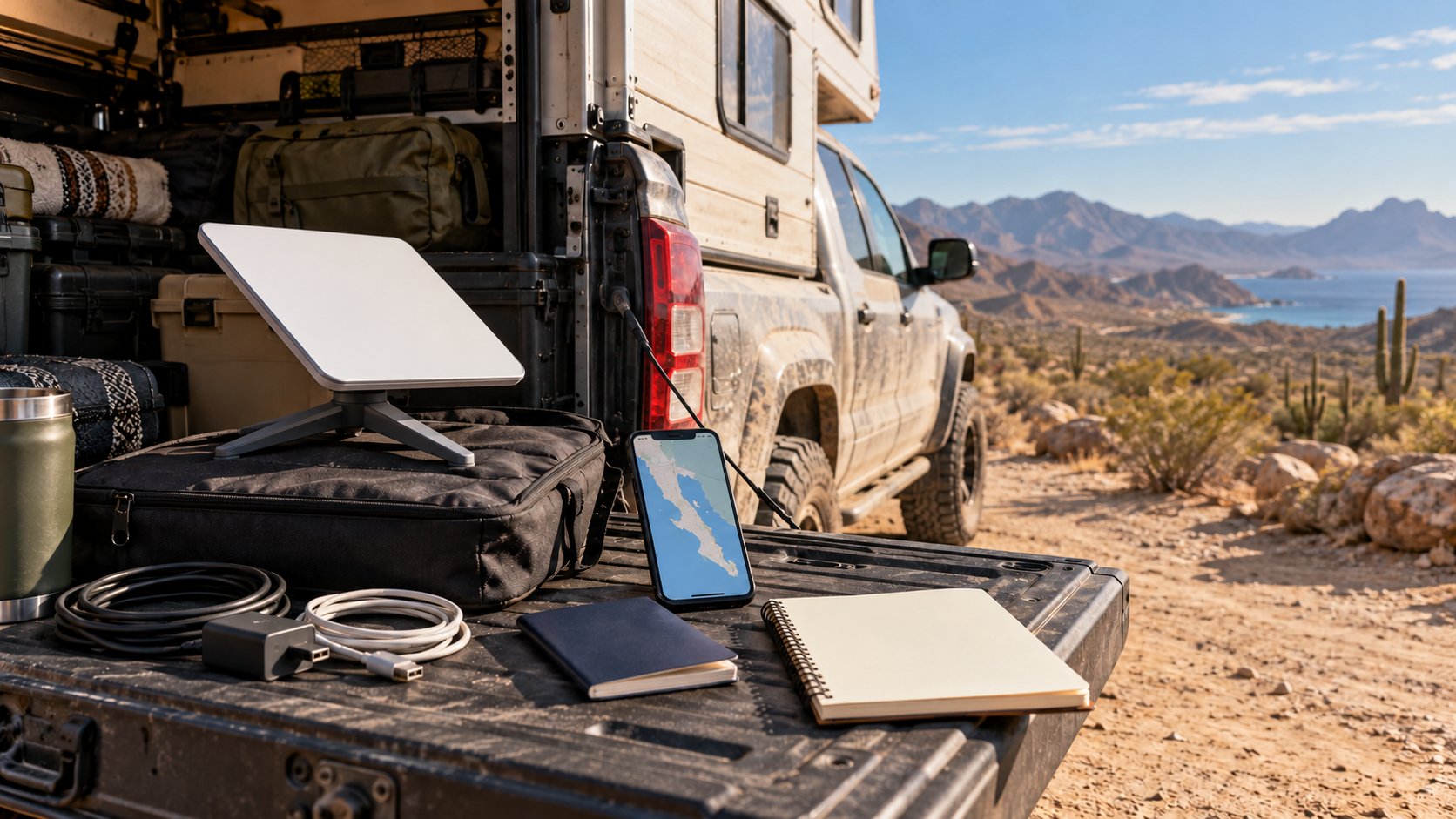
Starlink asks for your full legal name, nationality, date of birth and a passport or other government photo ID. It also asks for a copy of the ID and a live portrait. The name on the ID must match the name on your Starlink account.
- Open your Starlink account and go to Settings.
- Scroll to Registration Requirements.
- Select Add Travel Plans and choose your destination.
- Upload a clear photo ID and a live portrait, then submit.
Billing continues if Starlink disables service for missing registration. For this reason, finish the form at home a few days before you cross, while you have strong US signal. Also, registration alone does not guarantee service, because your plan’s limits still apply.
Driving Rules for Starlink in Mexico
Starlink’s help center lists Mexico among the countries where it prohibits in-motion use on land. Its in-motion page names 12 such countries, including Japan, Spain and Colombia. At home, Roam plans allow in-motion use up to 100 mph, so a roof-mounted Mini runs on the highway. South of the border, park first, then connect.
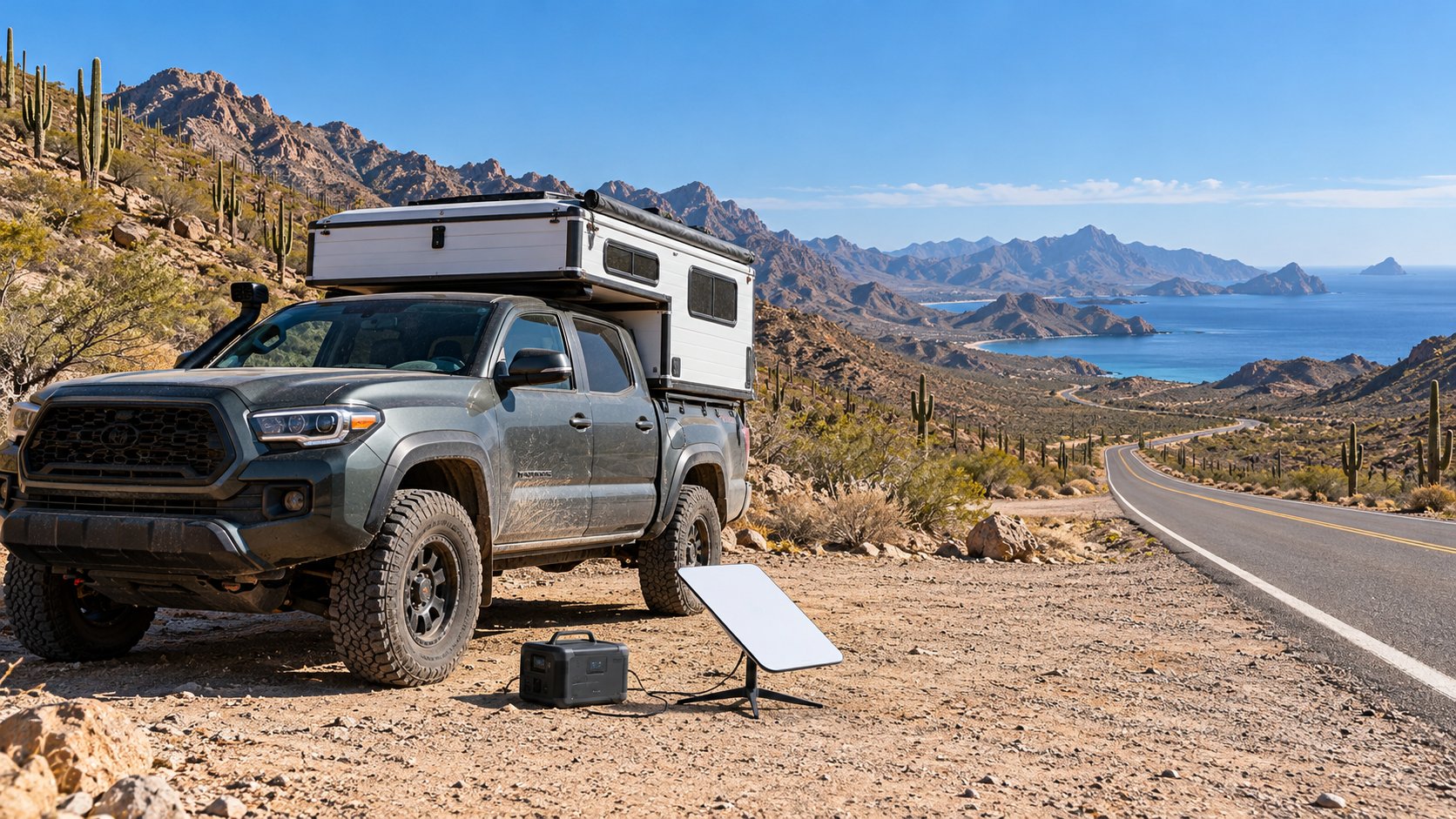
Some owners report driving use worked most of the time in Baja. Even so, the official rule for Starlink in Mexico is clear. I’d rather see you park and connect at a pullout than test the rule on Mexico 1.
This rule changes how you use the rig, not how you build it. Keep your roof mount, but plan stops for calls and downloads instead of streaming on the move. Our guide to using Starlink Mini while driving covers the US side of in-motion use.
Keeping Your Starlink Baja Setup Online
Once the plan and paperwork are set, the hardware side gets easier. Baja’s terrain helps a Mini more than most US forests do.
Baja’s Open Sky Suits Starlink
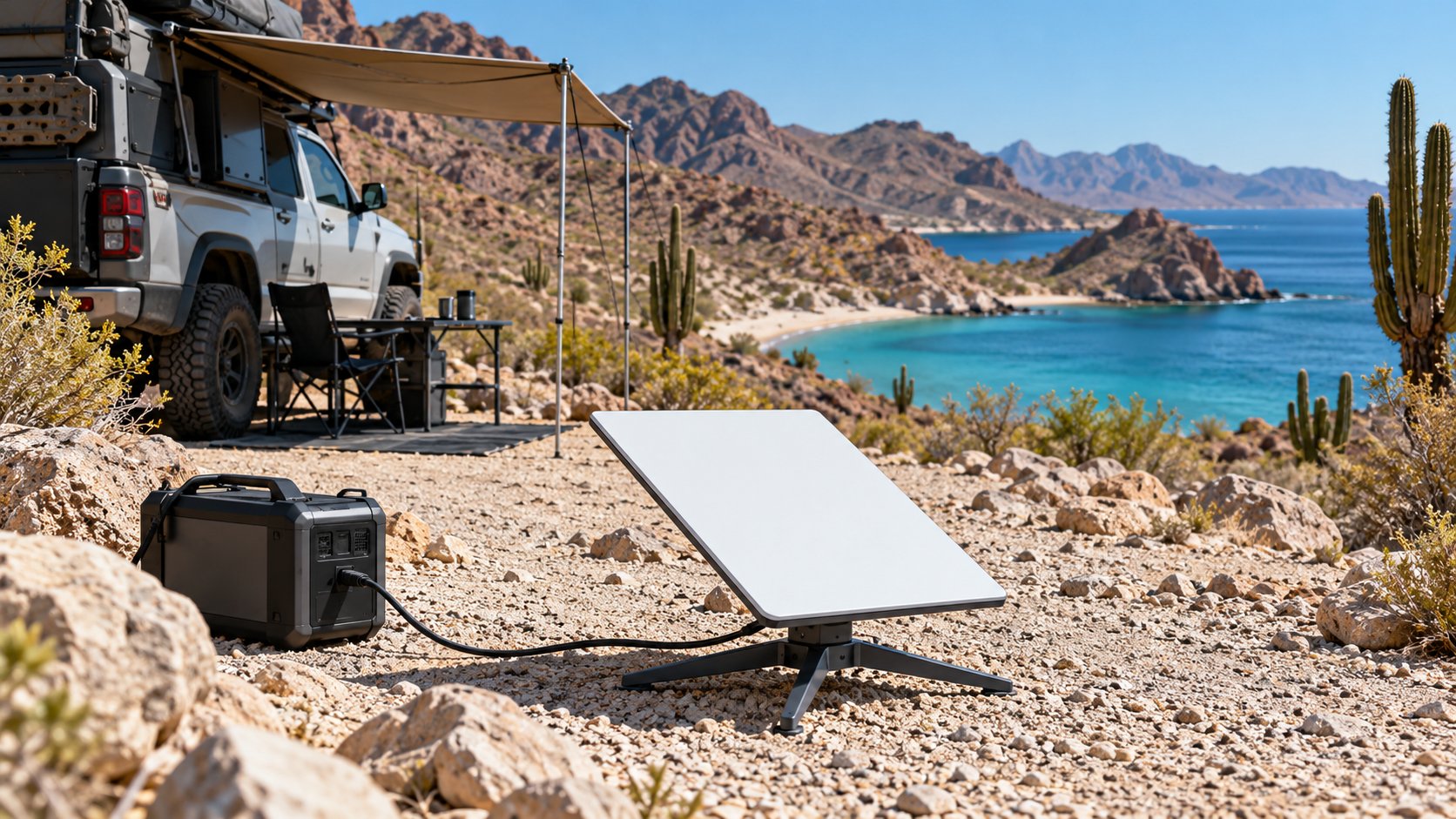
Here’s the good news. Owners agree Baja’s open desert sky suits a Mini well. Travelers report steady service across Baja, including a two-week loop of the whole peninsula. A 2022 account adds Loreto, Bahía Concepción and camps north of Bahía de los Ángeles. For example, one BajaNomad member posted 194 Mbps down and 37 Mbps up on a Mini from a remote Baja camp in 2025. Palm-lined beaches and canyon camps still need a clear patch of sky, so scout before you park.
Heat and Salt Air
Starlink rates the Mini from -22°F to 122°F. However, owners report throttling when the dish bakes on a dashboard or a van roof all day. Baja runs hot into the fall, so set the dish in open air rather than behind glass. Also, never cover its face for shade.
Salt air brings a second problem. Owners near the coast report corroded cable ends, so many use dielectric grease and dust caps on the connectors. Similarly, a short pigtail cable left attached keeps you from plugging and unplugging the dish port at every camp.
Crossing the Border With Your Mini
Baja Bound’s customs guide lists personal electronics and camping gear as duty-free for personal use. New goods count as merchandise, with $500 duty-free per person and a flat 19% on the amount above it. We found no owner reports of a Starlink being seized or taxed at a Baja crossing.
Power and Your IP Address
Starlink rates the Mini at 25 to 40 watts on average, so your power plan from home carries over. Our Starlink Mini power consumption guide breaks down real watts and runtime on 12V. Also, owners say a US account keeps a US IP address in Mexico, which helps with banking apps and streaming. However, a VPN does not hide the dish’s location from Starlink, since the terminal reports its GPS position.
Pack a Power Cable for Your Starlink Mini
Because a Mini draws 25 to 40 watts, the right cable matters as much as the battery. The STARGEAR 6.5-foot Starlink Mini cable runs the dish from a USB-C power station. However, it needs a power source rated at 65 watts or higher, so check your station first.

STARGEAR 6.5FT Starlink Mini Cable, 18AWG 140W Starlink USB C to DC Cable | with Smart Protocol Chip, Waterproof Design, Mini Accessories Compatible with 100W+ PD Source, 28V PPS 20V PD Protocols
A purpose-built Starlink Mini power cable for running the dish from a portable power station instead of a wall outlet.
- Smart protocol chip picks 28V PPS or 20V PD on its own
- Waterproof design suits a cable routed outside the rig
- 6.5 feet of 18AWG copper reaches from a station to the dish
- Needs a USB-C PD source rated 65W or more, so it will not run off a plain 12V outlet
Starlink Roam vs. Mexico Cell Plans
Many Baja travelers already carry Mexico data on their phones. The question is whether a phone plan covers your trip or only your town stops.
T-Mobile includes Mexico on many plans, with 5GB to 30GB of high-speed data a month, then 128 to 256 Kbps. Verizon covers Mexico on its unlimited plans, while customers on other plans pay $6 a day for TravelPass. AT&T also covers Mexico with its unlimited plans. Telcel sells prepaid SIMs and a tourist eSIM, with packs starting at MXN 949 on its English-language page.
Owners call Telcel the best cell coverage in Baja, and US carriers often ride Telcel towers in rural areas. Even so, travelers report throttled roaming speeds and dead zones between towns. Starlink in Mexico, in contrast, works anywhere with open sky, such as a beach camp an hour off the pavement.
The choice depends on how far from towns you camp. If you stay near towns and need maps, texts and email, a phone plan with Mexico included costs $0 extra. For remote work, video calls, or camps far from cell towers, Starlink earns its $175. In an emergency, neither replaces a satellite messenger; our satellite communicator vs radio guide covers the SOS side.
Final Thoughts
If your Baja trip runs under 30 days, Starlink in Mexico stays simple. Upgrade to Roam Unlimited for the travel month and file the registration form at home. Afterward, switch back to your usual plan once you return. Your Mini, mount and battery all work the same, and Baja’s open sky suits the dish well.
Longer stays with Starlink in Mexico take more planning, and I won’t pretend otherwise. The 30-day cap and the December 1 change to Local Priority push snowbirds toward a Mexican account or a second kit. Meanwhile, the 90-day transfer lock means planning any account move well before the season. Neither option feels as easy as the old setup, but both keep you online without a monthly border run.
On value, $175 for a month of Roam Unlimited beats losing a week of remote work. For a full winter, by contrast, the Mexican Itinerante plans cost far less than Global Priority for the same months. If you mostly stay near towns, a phone plan with Mexico included might cover you without Starlink at all.
My recommendation: decide your trip length first, then pick the plan, and do both before you leave home. Stop at a pullout instead of streaming on Mexico 1, and carry a satellite messenger for SOS. Get those pieces right, and your Starlink Baja camp stays online all trip long when parked. Then close the laptop and enjoy the Sea of Cortez at sunset.
FAQ
Does Starlink work in Mexico?
Yes. Starlink sells service in Mexico, and US customers use it there on Roam Unlimited or a Priority plan. Owners report steady service across Baja because of the open desert sky. The Roam 100GB and 300GB plans no longer work in Mexico.
Will my US Starlink Mini work in Mexico?
Yes, on Roam Unlimited for up to 30 days at a time, or on a Priority plan. You also need to complete Travel Registration with a photo ID and a live portrait. After 30 days on Roam Unlimited, return to the US to reset the clock. Otherwise, move the account to Mexico or upgrade to Global Priority.
What happens after 30 days on Roam Unlimited?
Starlink gives three choices: upgrade to a global plan, move the account to your new country, or return home. Returning to the US resets your 30-day allowance. Starlink has not published how long you must stay home for the reset to count.
Does Roam 100GB work in Mexico?
No. Since the 2026 changes, Roam 100GB and Roam 300GB work only in your home country or grouped region. For US customers, the region covers the US, Canada and US territories, not Mexico. Upgrade to Roam Unlimited before you cross.
Does Starlink allow driving use in Mexico?
No. Starlink lists Mexico among the countries where it prohibits in-motion use on land. Park first, then connect. In-motion use stays allowed on Roam plans in the US.
Is it cheaper to buy Starlink in Mexico?
For a long stay, often yes. Starlink’s Mexico site lists Itinerante 100GB at MXN 950 a month and Itinerante Ilimitado at MXN 2,150 a month. Moving an account takes planning, though, since Starlink blocks country transfers for 90 days after activation.